
In today’s digital landscape, a captivating website is crucial but insufficient for attracting customers — your Google Business Profile (GBP) holds equal, if not greater, importance. This guide walks you through the easy steps to set up and optimize your GBP, boosting your online visibility and credibility.
Why Your Stunning Website Alone Isn’t Enough
A beautiful website is only impactful if people actually visit it. So, how do potential customers find you?
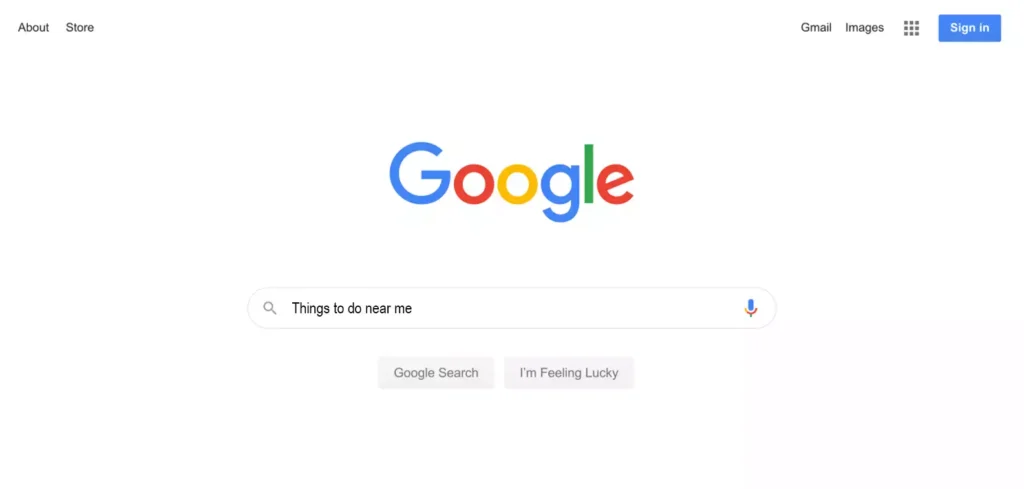
The answer often lies with Google. You may have your website bookmarked, but the rest of the world finds you through Google search. This is why a complete and regularly updated Google Business Profile (GBP) is crucial — it dramatically enhances your visibility and credibility on Google.
What Exactly is a Google Business Profile?
When you search for a local business on Google, you’ve likely noticed a detailed panel on the right-hand side of the screen showcasing information about the business. That’s a Google Business Profile, formerly known as Google My Business.
Creating and maintaining your GBP isn’t just about controlling how your business appears on Google Search — it’s a cornerstone of local SEO. It also integrates seamlessly with Google Maps, directing customers straight to your doorstep.
Easy Steps to Creating Your Google Business Profile
1. Connect to a Google Account
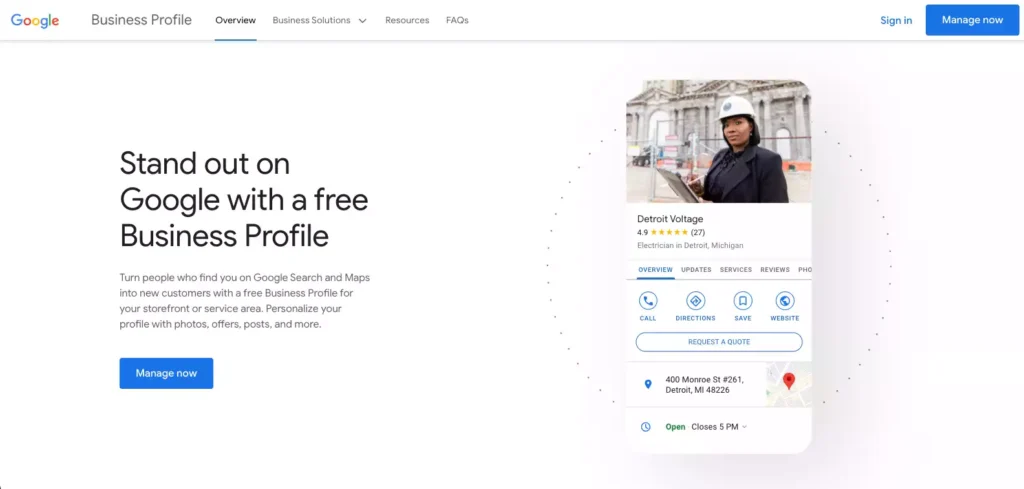
- Visit Google Business Page.
- Click the “Manage Now” button.
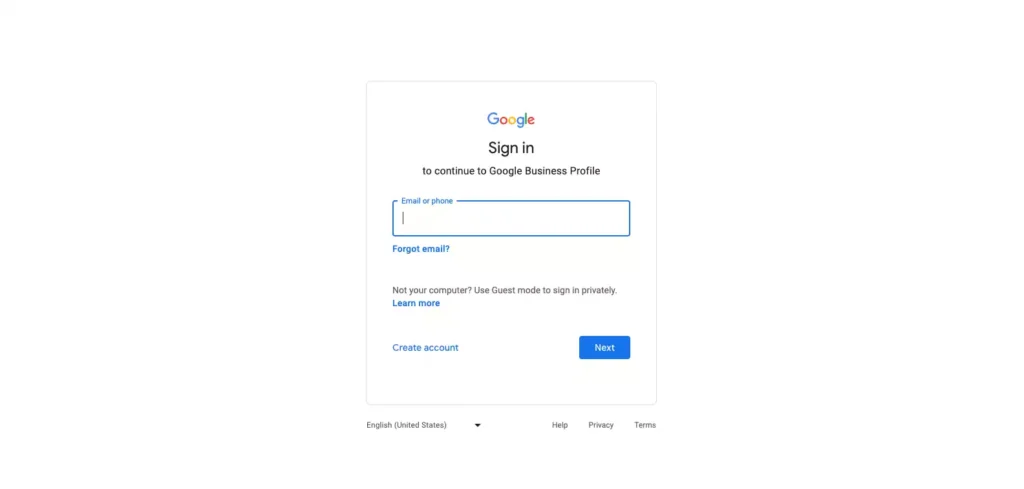
- Sign in with a Google Account. Preferably, use a professional email connected to your domain via Google Workspace. A Gmail account works too — just make sure it’s professional.
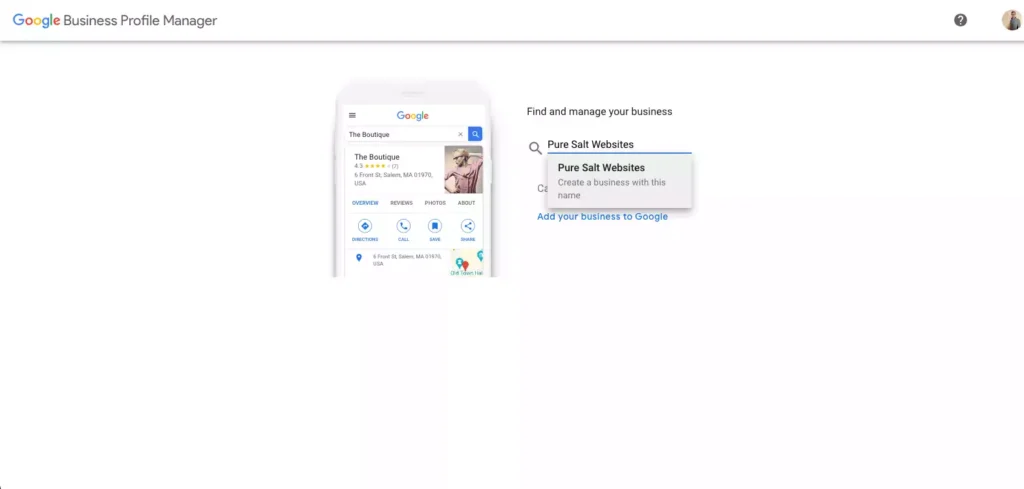
2. Search for Your Business
Type your business name into the provided search bar:
- If it appears: Claim it by requesting access.
- If it doesn’t: Follow the prompt to create a new business profile.
3. Populate Your Profile
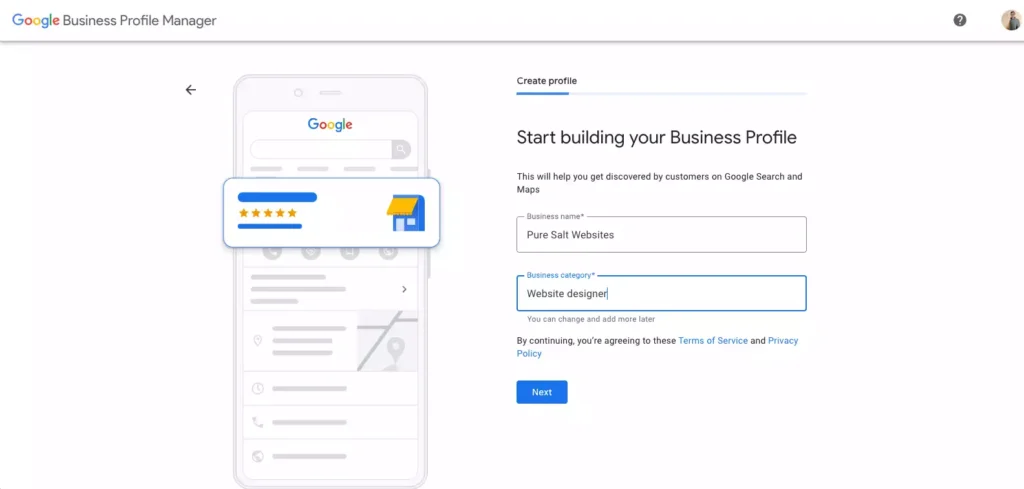
You’ll be guided through a series of prompts. Add as much relevant, accurate information as you can — business hours, location, services, etc. Remember, this information is public, so accuracy matters.
4. Verify Your Business
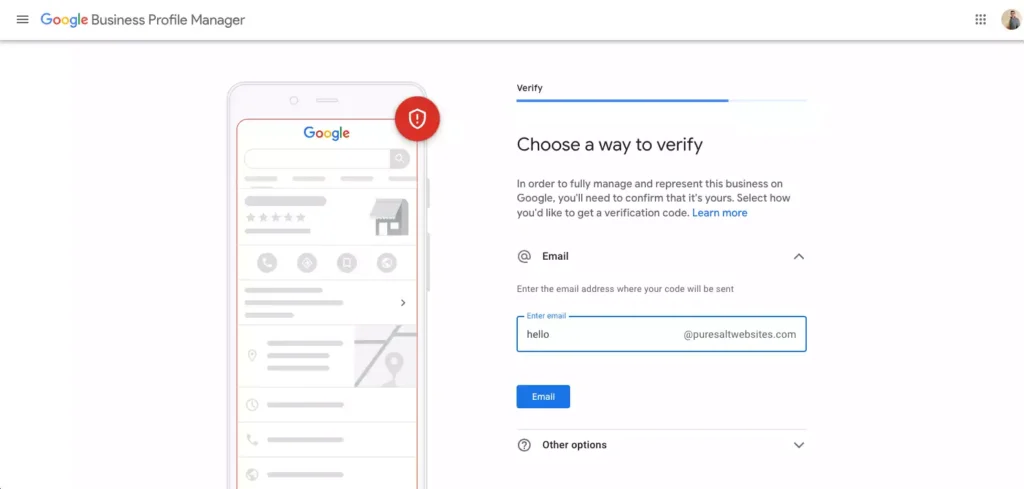
Google needs to confirm you’re the legitimate owner of the business. Verification options include:
- Email: Fastest, especially if you use Google Workspace.
- Phone: Almost instant.
- Postcard: May take up to 14 days.
You’ll receive a verification code via your chosen method. Input this code to complete the verification process.
Keep Your Profile Updated
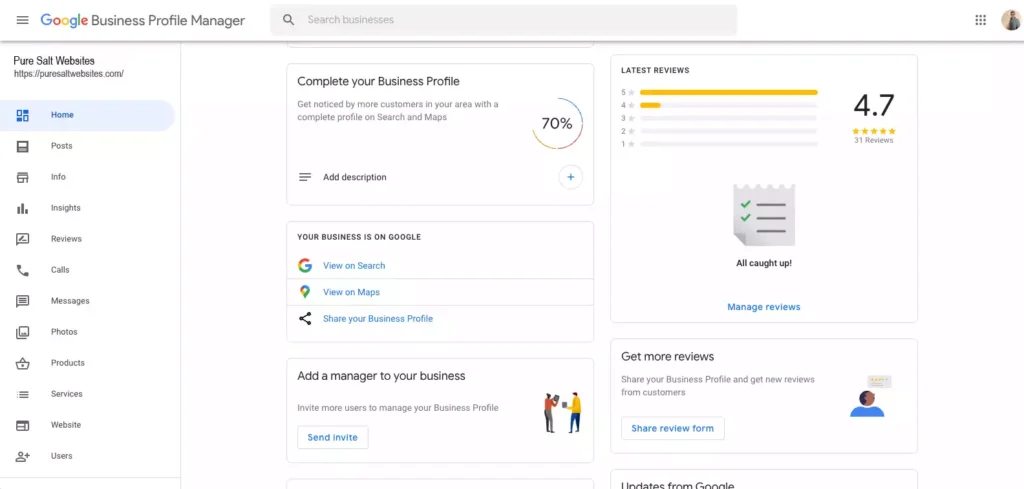
Your GBP is now live! Consistently update it through the Google Business Profile Manager. This is where you can modify business hours, add photos, and more.
The Power of Reviews
One of the standout features of a GBP is the customer review section. Encourage satisfied customers to leave reviews. You can generate a review link through your Google Business Profile Manager and share it to make the process easier.
The Bottom Line
Claiming and maintaining your GBP is more than just a good idea — it’s a powerful strategy for businesses of all sizes. It amplifies your visibility on Google Search and Google Maps, effectively funneling potential customers your way.
How We Can Help
Maintaining a successful online presence involves a lot of moving parts. From building a top-notch website to ensuring you rank well on search engines, there’s a lot to manage. We help you set up and optimize your Google Business Profile and provide a full suite of digital marketing solutions tailored to your needs. Contact us today to learn more.